Pile and footing
The geometry is described in three cards of the Parameters tab: General data, Connecting footing and Pile. For micropiles the Pile card changes: see Micropiles.
General data
Besides description, location, engineer and client, here you choose:
- the Type: Pile or Micropile;
- the Design code (GEO) and the Design code (STRU), described in Loads, combinations and design code and in Sections and reinforcement;
- the Head restraint: Fixed in the cap or Hinged under the cap. It sets the scheme of Broms' ultimate lateral load (fixed or free head);
- Exclude base resistance (Qp = 0, friction pile) or Exclude shaft resistance (Qs = 0). The two cannot be excluded together;
- Global factor on the ultimate load: uses the "Total" factor instead of base + shaft.
Connecting footing
With Connecting footing present you draw a beam, pad, raft or circular pile cap on top of the pile, with dimensions B, L and height H.
The value that enters the calculation is the Founding depth D, that is the bottom of the excavation. The pile starts there: the toe goes down to D + L, the shaft adhesion above the founding plane is removed and the protrusion is measured from the excavation bottom. The Excavation width is for the drawing only (0 = same as B).
Founding plane inside the first layer
If the founding plane falls within the first layer, the adhesion above D is not removed. This is the behaviour of the desktop program, kept and declared in the validation document.
Pile
Choose the installation method, Bored or Driven: it changes the set of γb and γs factors applied by the design code and, for driven piles, enables the taper factor.
| Field | Meaning |
|---|---|
| Diameter D | shaft diameter; with a taper it is the diameter at the toe |
| Length L | pile length in the ground, from ground level or from the founding plane of the footing: the toe is at founding depth + L |
| Protrusion above ground | free length above ground level, or above the excavation bottom when the footing has a founding depth |
| Taper | in %, for tapered piles; 0 = cylindrical |
| qpc | surcharge at ground level, in kN/m² |
With a non-zero taper the diameter grows towards the head: the program uses the mean diameter for the shaft resistance and the volume of the truncated cone for the weight. For driven piles the frictional shaft resistance is also multiplied by the taper factor Fw.
The protrusion adds to L: it does not enter the weight W of the ultimate load, which is computed on the length L, but it enters the FEM model, where the free length has no springs. The "Pile immersed" example has 4 m above ground with water above ground level.
Method for Nq, friction angle for the shaft resistance, δ and K sit in the same card but concern the calculation: they are explained in Ultimate load.
Assigned perimeter
For a non-circular section tick Assigned shaft perimeter and enter Perimeter and Section area (0 = circular). Until the box is ticked the two fields stay read-only. The structural check remains that of the circular section: see the limits in Sections and reinforcement.
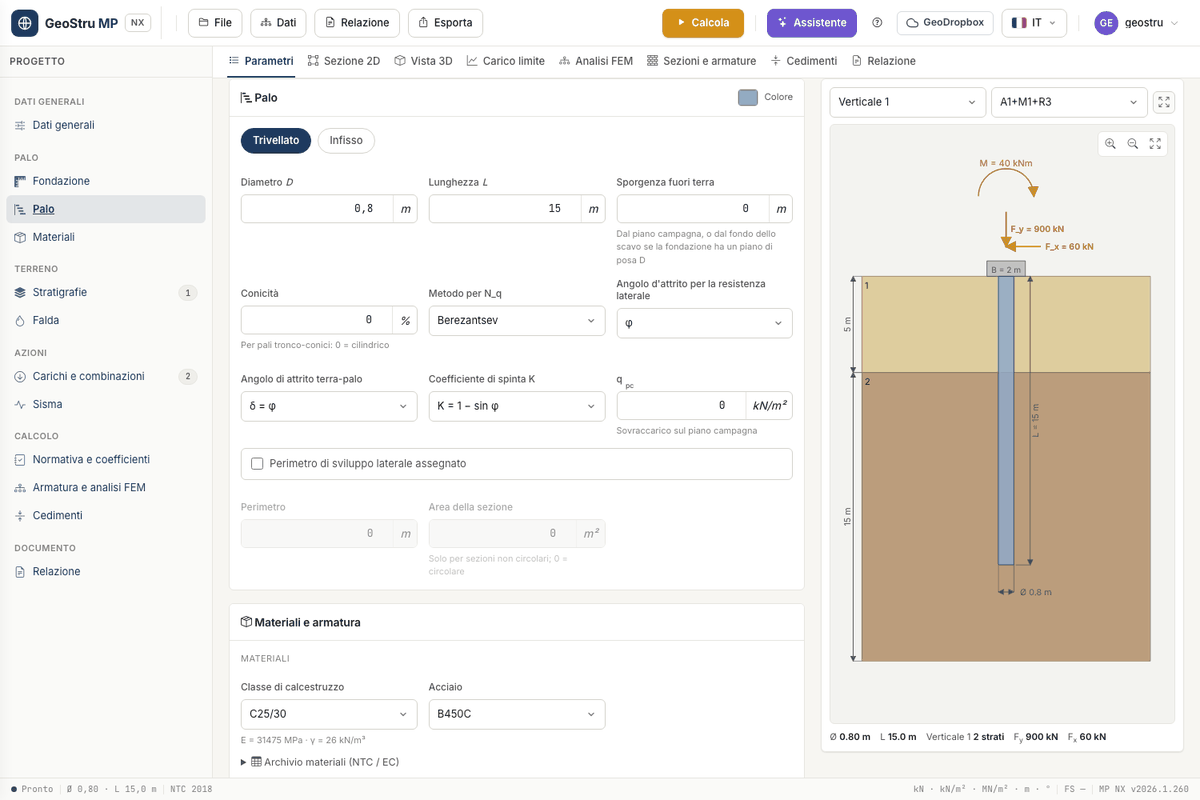
2D section and 3D view
The 2D section tab shows the dimensioned drawing of pile, footing, layers, water table and actions, for the chosen vertical and combination. Export it as PNG (free) or in the DXF drawing.
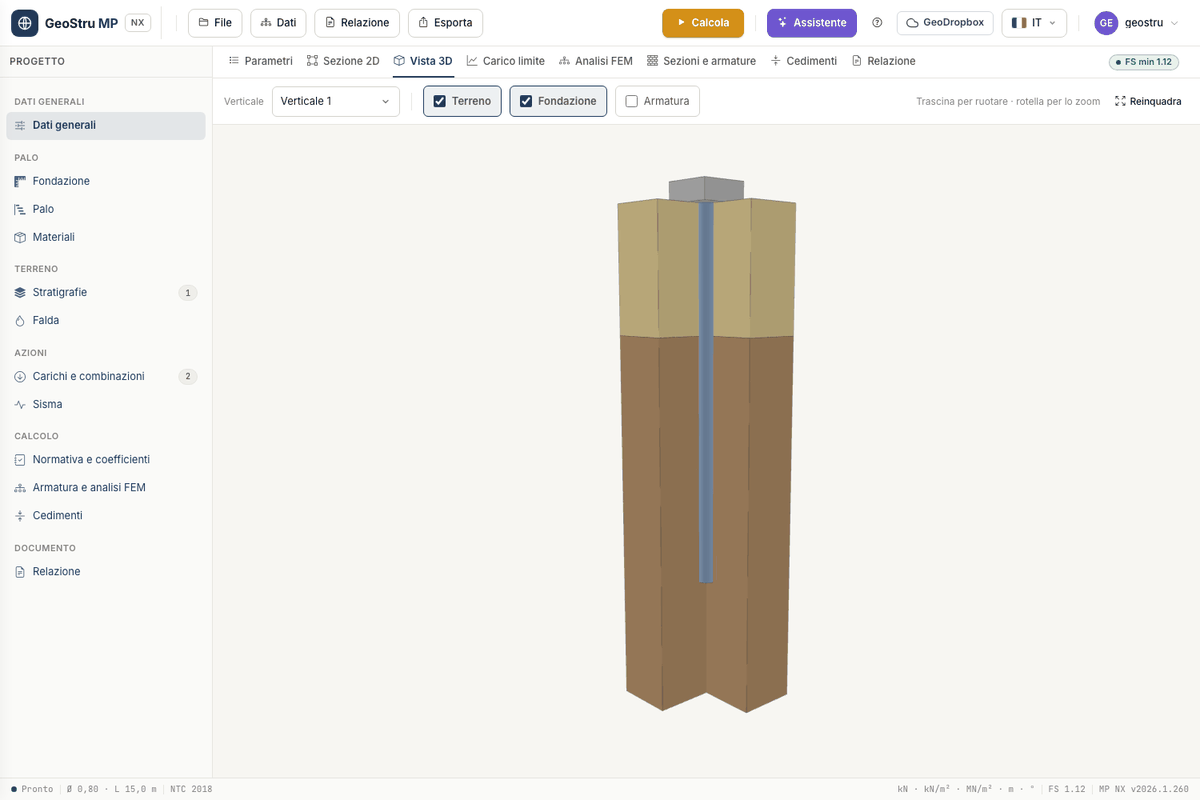
The 3D view shows the pile inside a cut-away block of ground. Drag to orbit, use the wheel to zoom and Reset view to go back to the initial view. The Soil, Footing and Reinforcement boxes switch the solids on and off; with Reinforcement the pile becomes translucent and the longitudinal bars appear. Stirrups are not drawn in 3D: their spacing comes out of the calculation, not from the input.
Found an error on this page? Let us know or open a Pull Request.