Full workflow
The sequence of a real project, from choosing the country to the signed report. The seven sections of the app follow this order: work through them top to bottom.
1. General data and regulations
Enter the project and professional details, then choose the country.
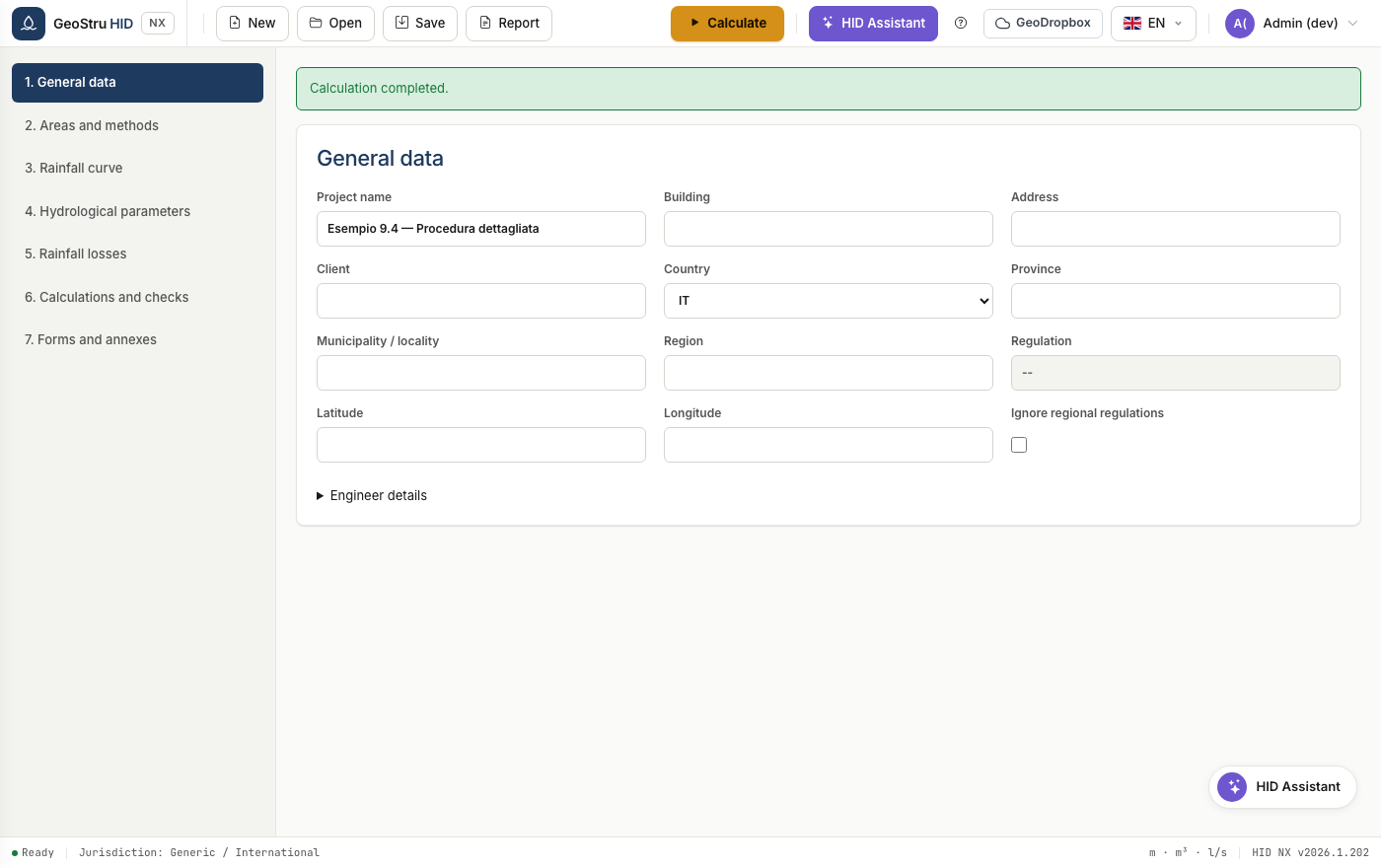
For Italy, type the province and municipality: HID derives the region, coordinates and applicable regulation, and shows only the fields that regulation requires. In Lombardia the regulation-version menu and the hydraulic criticality zone appear; in Emilia-Romagna and Marche the surfaces block of the regional direct method appears.
The Ignore territorial regulation checkbox forces the generic profile even in Italy, useful when the authority imposes its own conditions.
Warning
In Lombardia the GEV curve is mandatory and the SCS-CN method is not allowed. If you set them otherwise, HID blocks the calculation and explains why.
2. Areas and methods
Define the post-development surfaces: description, type, area and runoff coefficient φ.
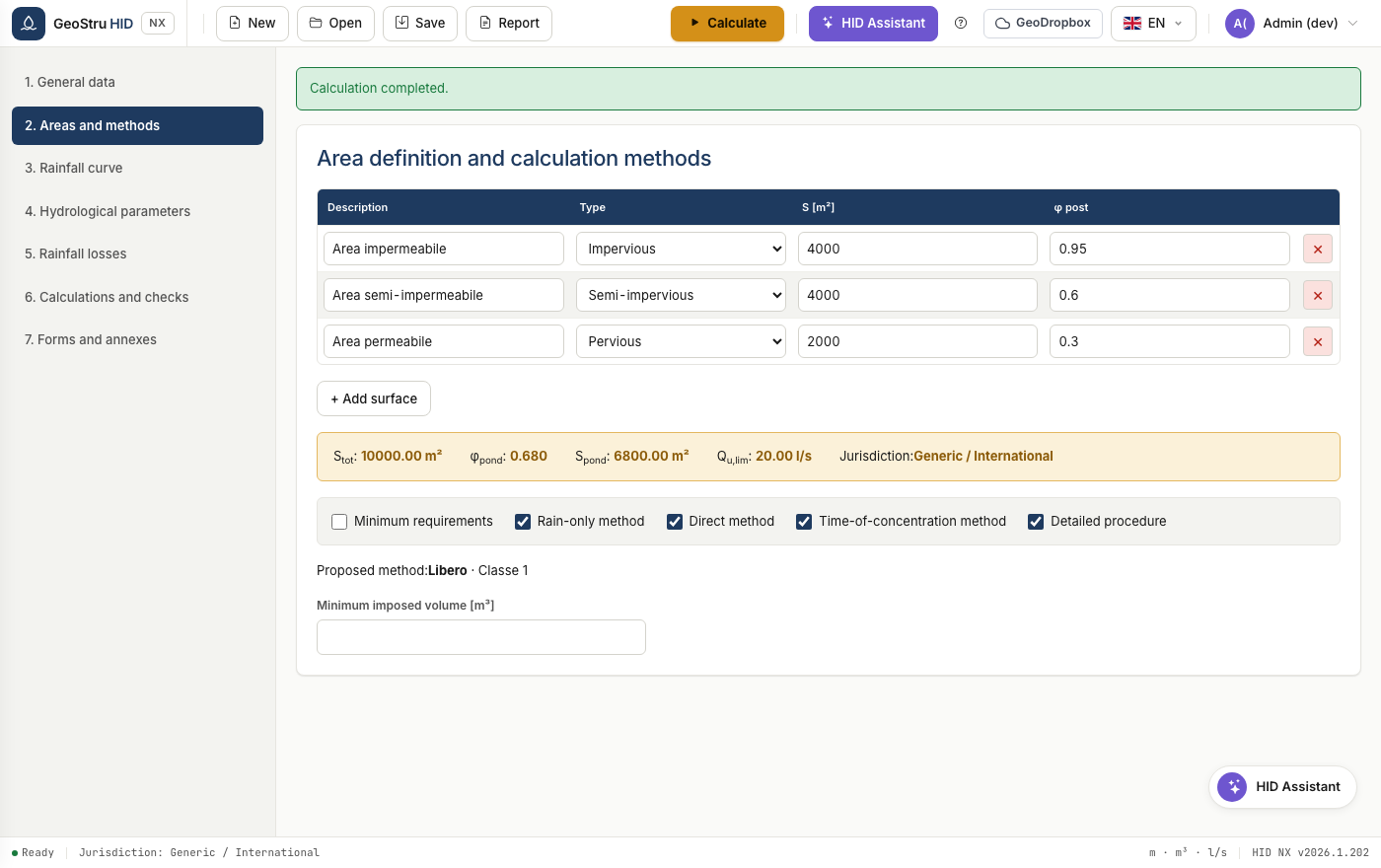
HID calculates the aggregate values and shows them in the band: total area, weighted φ, weighted (impervious-equivalent) area, discharge limit and the jurisdiction applied.
See Areas and methods for details on the available methods.
3. Rainfall depth-duration-frequency curve
Choose between the two-parameter curve and the GEV, enter the coefficients and the return period. The table and the chart show the rainfall depths at the 28 standard durations, from 0 to 24 hours.
See Rainfall curve.
4. Hydrological parameters
For each surface define the curve number, the time of concentration, the specific pre- and post-development storage volumes, and the Nash parameters if you use that model.
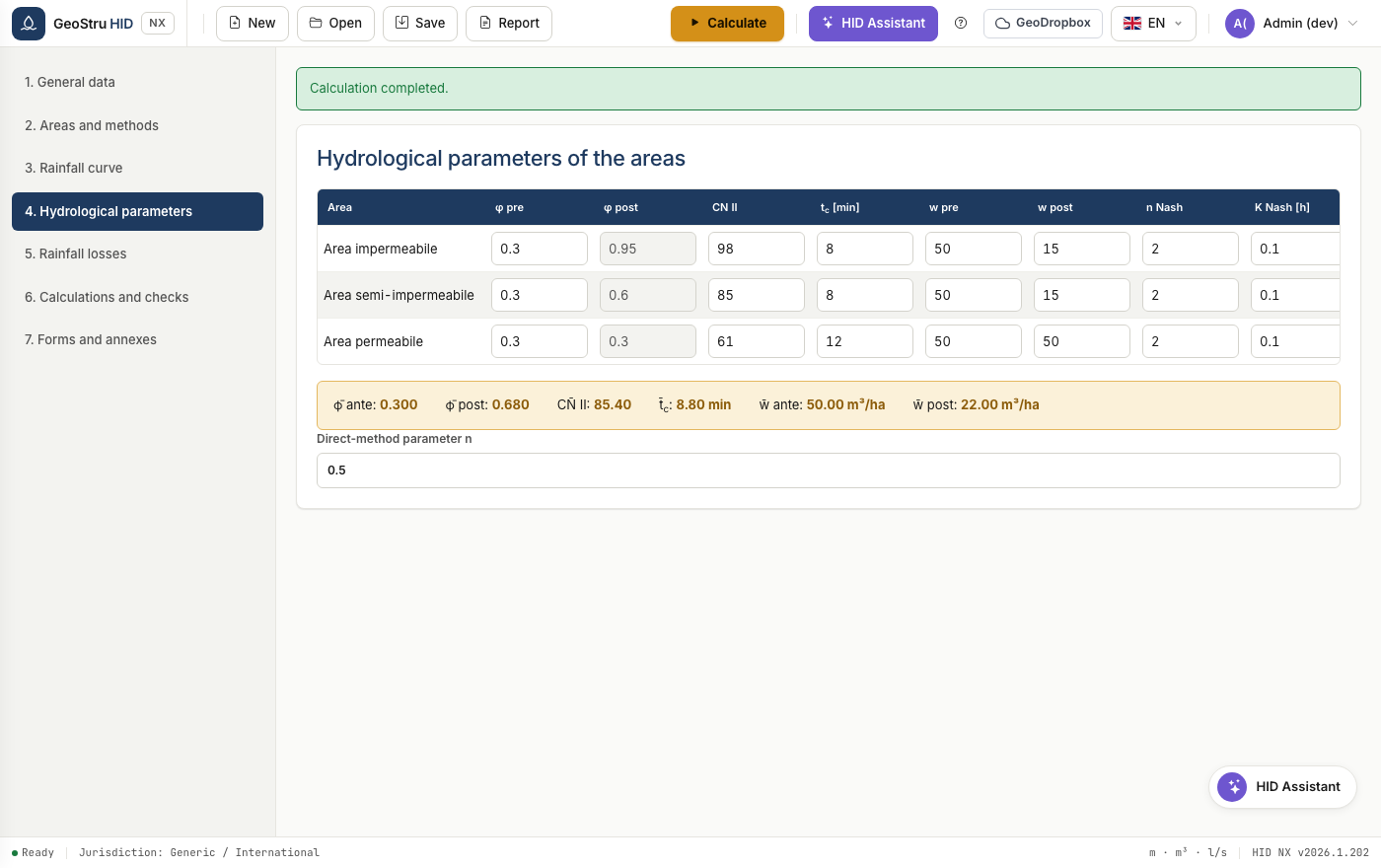
The table of mean values at the bottom shows the weighted quantities that feed the synthetic methods.
5. Rainfall losses
Choose the calculation interval and the loss model: percentage, Horton or SCS-CN. The table shows gross and net rainfall minute by minute.
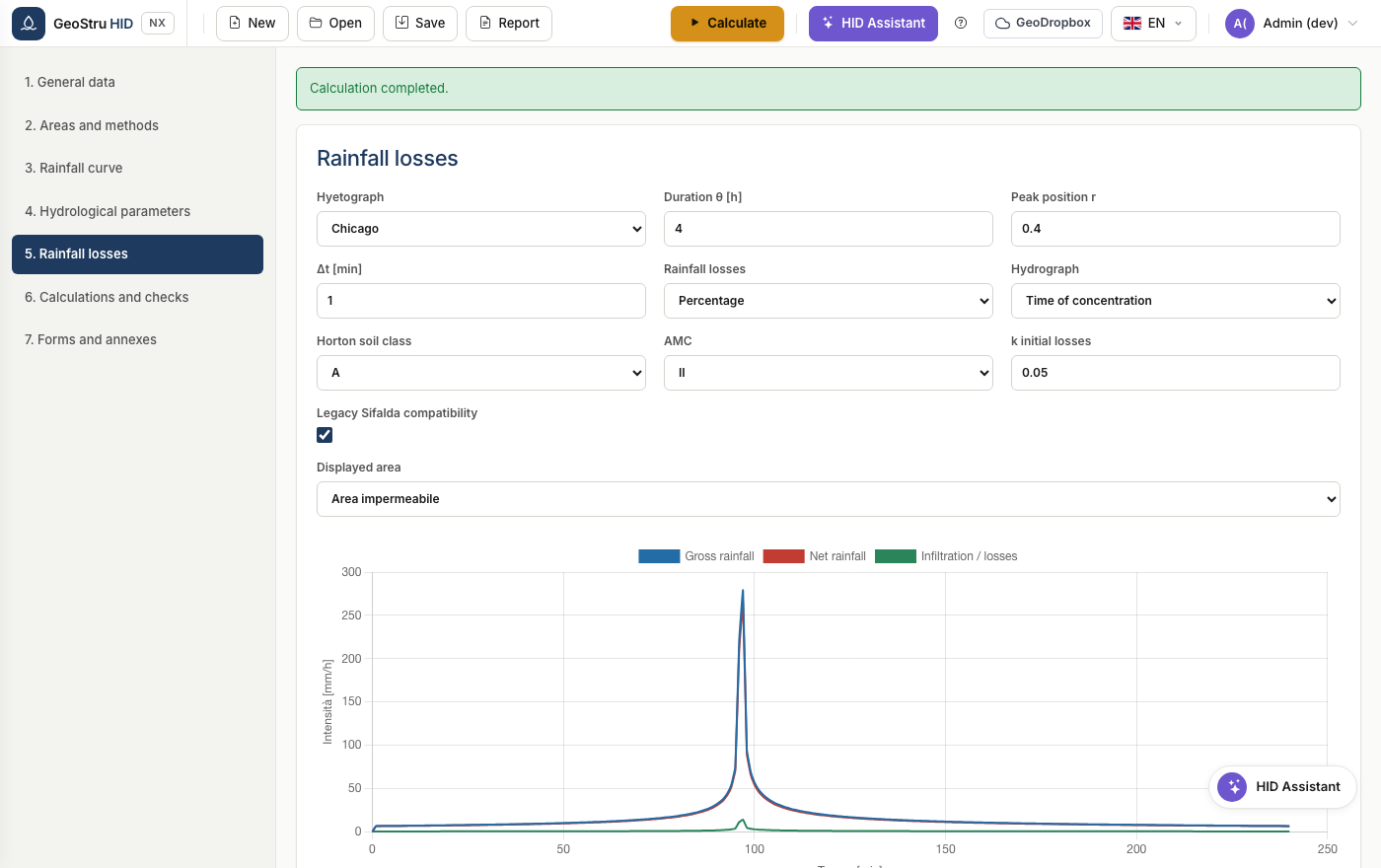
See Sizing for how the hyetograph and the losses feed into the detailed procedure.
6. Calculations and checks
Define the storage facility characteristics and the discharge device, then calculate.
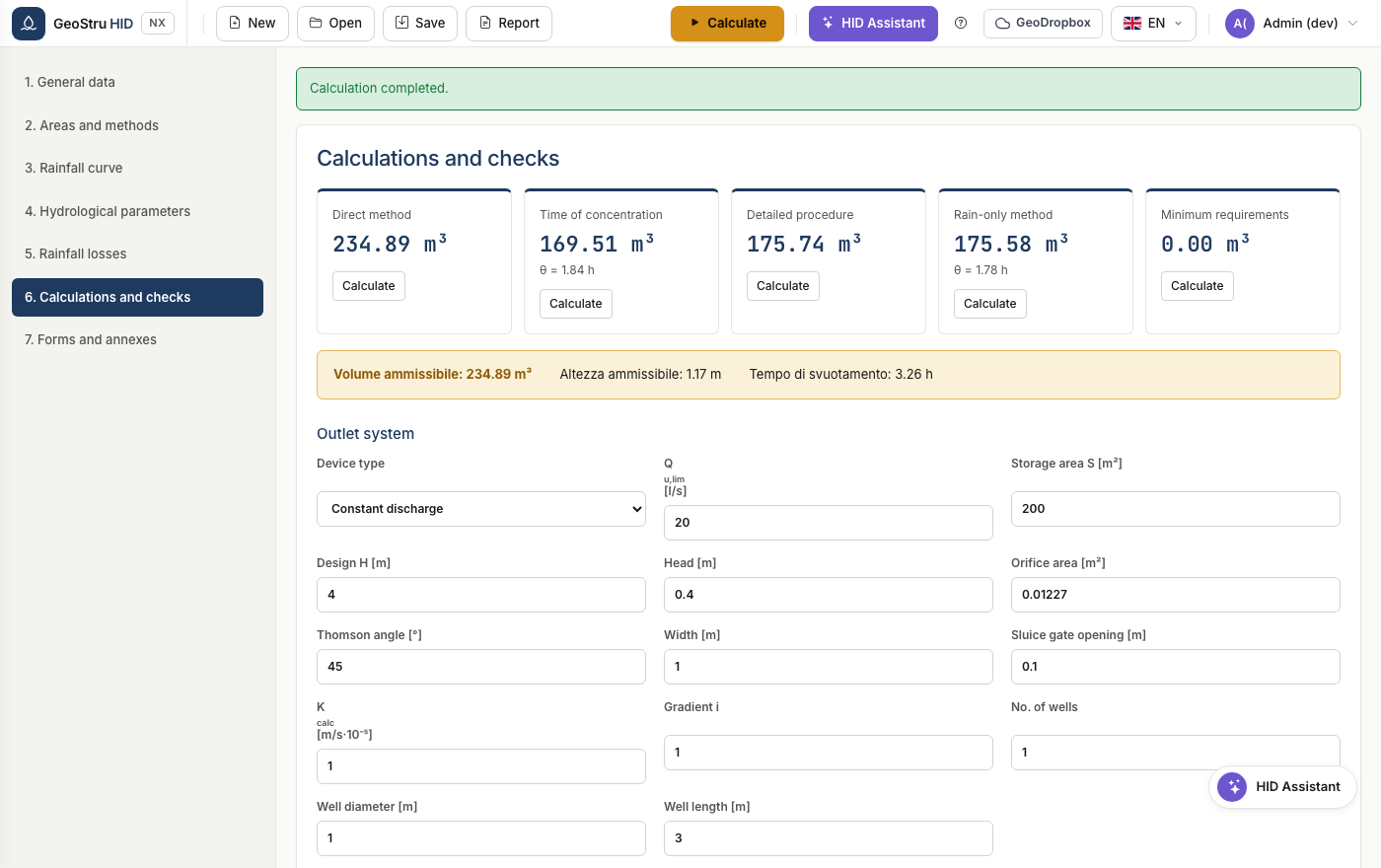
HID runs all the selected methods and adopts the highest as the allowable volume. The checks compare effective depth, effective volume and emptying time with the design values.
See Discharge system for the eight available devices.
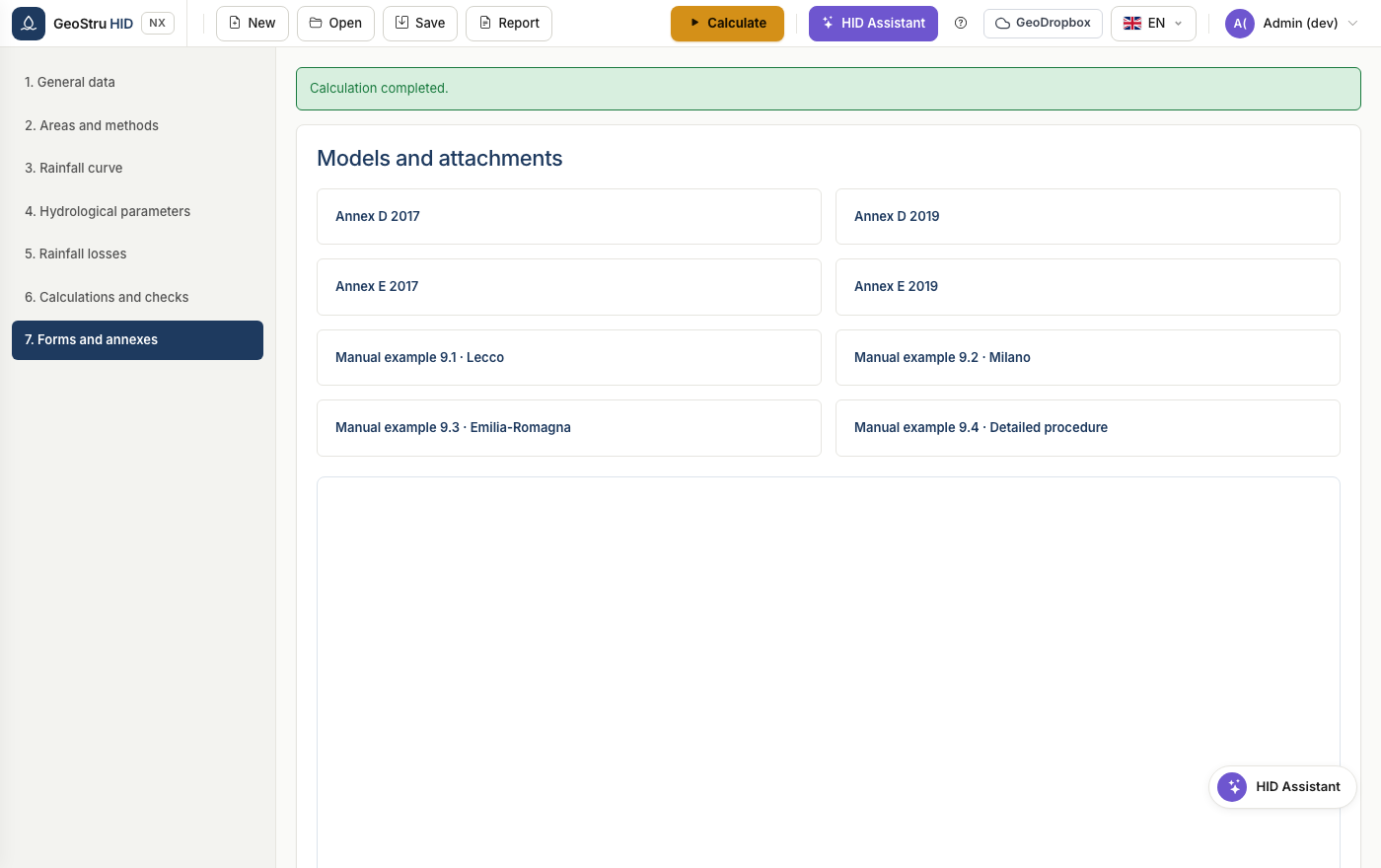
7. Templates and attachments
Collects the report templates and the downloadable regulatory attachments.
8. Saving and reporting
Save the project in .hid format, or produce the report from the Report
menu. See File formats.
Found an error on this page? Let us know.